Focus: a local-first AI productivity coach that lives in your browser
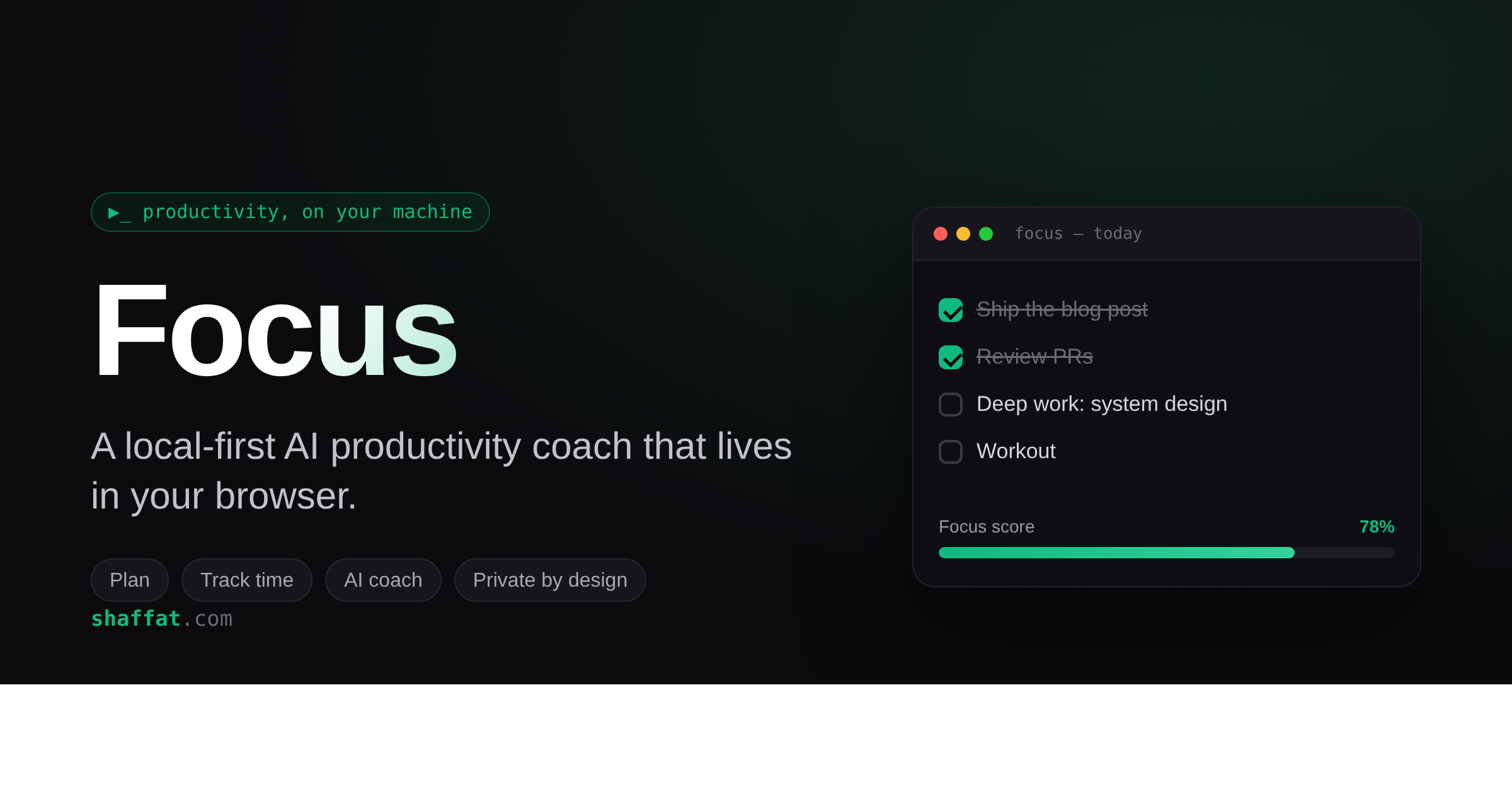
I wanted a productivity tool that actually knew what my day looked like — my tasks, my plans, where my hours went — without shipping any of that to someone else's server. Nothing quite fit, so I built it. It's called Focus, a Chrome extension that's part planner, part time tracker, and part AI coach. Everything stays on your machine.
What it does
📋 Plan your day. Add tasks and jot quick progress notes as you go. Anything you don't finish carries over to tomorrow automatically, and tasks you mark "recurring" come back each day on their own.
💬 Chat with a coach that knows your context. The built-in assistant can already see your tasks, your plans, and where your time went — so you skip the explaining and just ask "what should I focus on next?"
⏱️ See where your time actually goes. Focus quietly tracks how long you spend on each site and turns it into a focus score — tag sites productive or distracting and watch the ratio.
📊 Get honest insights. It keeps streaks and completion rates, and writes you weekly/monthly reports that point out your most and least productive days and one concrete thing to change.
🔔 Gentle nudges. A morning briefing with your plan, an evening wrap-up, and a friendly check-in if you've gone quiet for a while.
The tech stack (the short version)
Nothing heavy — that's the point:
- Manifest V3 Chrome extension, plain vanilla JavaScript — no framework, no build step.
- All data in your browser's local storage. It lives on your machine, full stop.
- Reminders & scheduled reports via Chrome's alarms and notifications.
- Time tracking through Chrome's tabs API.
- Bring-your-own AI — plugs into Groq, Google Gemini, Anthropic Claude, OpenAI, or OpenRouter. Pick one, paste a key.
The whole thing is local-first: the only thing that ever leaves your browser is a single request to the AI provider you chose. No backend, no accounts, no telemetry.
Try it yourself
I've packaged it up — grab the ZIP and load it in about a minute.
👉 Download Focus (focus-v2.zip)
How to install:
- Download the ZIP above and unzip it — you'll get a
focus-v2folder. - Open Chrome and go to
chrome://extensions. - Turn on Developer mode (toggle, top-right).
- Click Load unpacked and select the
focus-v2folder. - Pin the Focus icon and click it to open.
First-time setup:
- On the welcome screen, pick a provider. Groq is free and needs no credit card — grab a key at console.groq.com.
- Paste your key, set your work hours, and you're done.
Your tasks, logs, and history all stay on your computer. Remove the extension and it's gone — nothing lingers on a server somewhere.
Make it your own
Focus is just plain HTML, CSS, and JavaScript — no build step, no bundler. Open the folder in any editor and the whole thing is right there to read and change:
- Reminder times — tweak the morning/evening/check-in schedule in
background.js. - Add an AI provider — it's one row in a config table in
popup.js. - Restyle it — everything lives in
popup.css, with CSS variables for colors. - Change the behavior — task carry-forward, the focus score, the insight prompts — all editable in a few hundred lines.
Since you load it unpacked, just save a file and hit reload on the extensions page to see your change. Make it fit your workflow, not mine.
Why I built it this way
For a tool that watches how I spend my days, "your data never leaves your machine" wasn't a feature — it was the whole premise. The trade-off is no cloud sync across devices, which I'm fine with. If you give it a spin, I'd genuinely love to hear what works and what doesn't — tell me.